Network Box Device Information
Official device guide for the GFiber Network Box (models GFRG100, GFRG110, GFRG200, and GFRG210). Decode the front LED status lights, manage Wi-Fi settings, check technical specifications, or learn how to upgrade to a modern Wi-Fi 6E router.

Thinking about an upgrade? Most Network Box customers are eligible to upgrade to a GFiber Wi-Fi 6E Router. Learn more about router upgrades for Network Box customers.
Network Box Overview
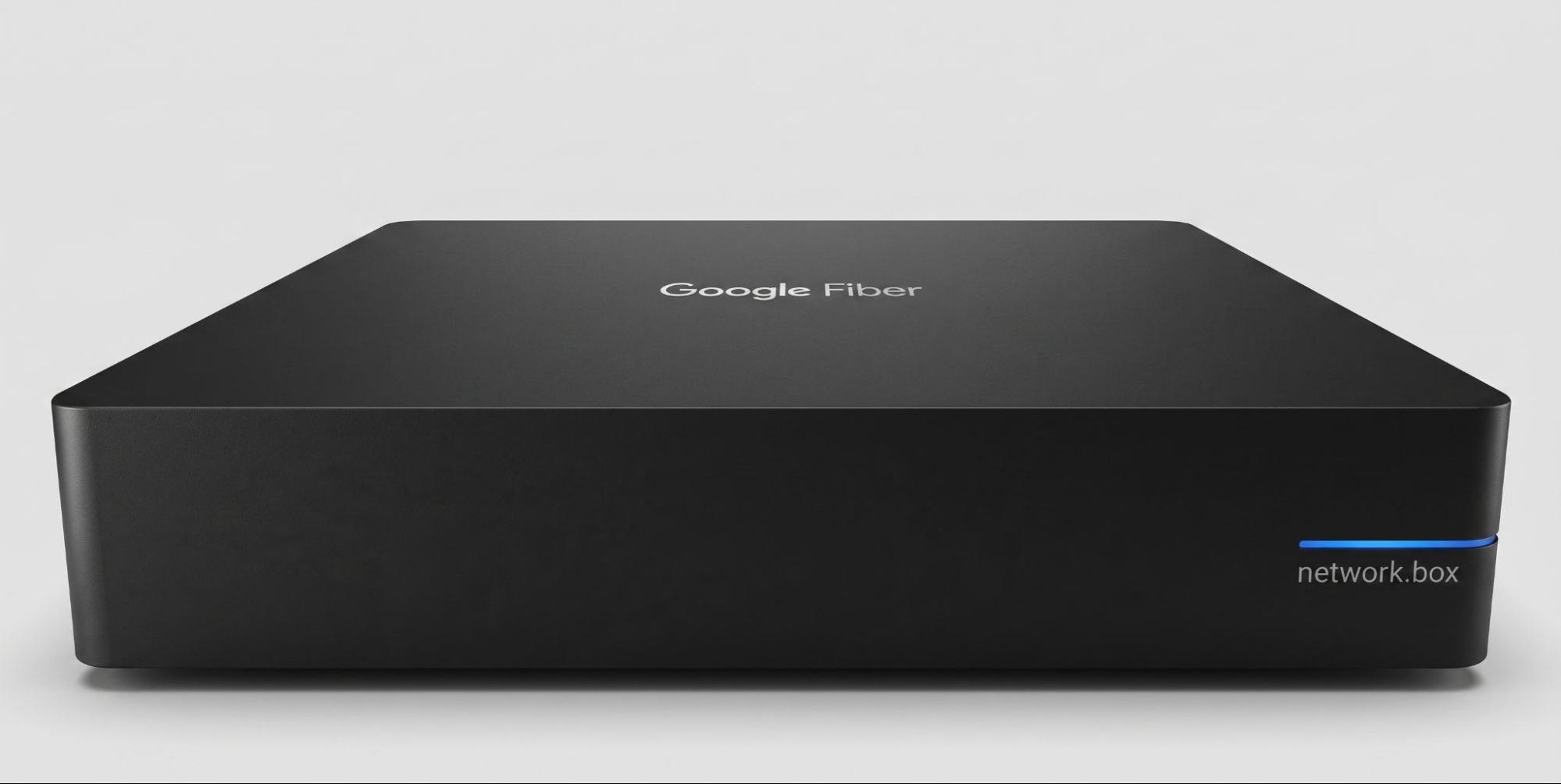
The Network Box is a router that connects your home to GFiber internet. You can connect devices to it wirelessly over Wi-Fi or directly using an Ethernet cable.
There are 4 models:
- GFRG100
- GFRG110
- GFRG200
- GFRG210

GFRG210 customers: This model also works as a storage device for recorded TV content, with 2 TB of storage space (up to 500 hours of programming).
Light Status Guide
When your Network Box is properly connected, the LED on the front turns solid blue. If it doesn't turn solid blue within 2 minutes of powering on, contact our support team.
Connect Your Devices
You can connect devices to the Network Box over Wi-Fi or with an Ethernet cable.
- Wired connections: Connect up to 4 devices directly using Ethernet cables. For more wired devices, add a gigabit Ethernet switch. Wired connections give you the fastest speeds on your network.
- Wireless connections: Wi-Fi is convenient, but keep in mind that performance may dip as more devices connect.
- Manage your network: Sign in to your GFiber account and go to the Network tab to manage your settings.
Safety and Handling
Follow these guidelines to keep your Network Box working properly:
- Keep it dry: Don’t use it near water or clean it with a wet cloth.
- Allow ventilation: Place it on a solid, flat, unobstructed surface. Avoid soft surfaces like carpet, which can block airflow.
- Avoid heat sources: Keep it away from heaters, radiators, and other electronics that generate heat.
- To turn it off: The Network Box doesn’t have a power switch — just unplug it.
- Don’t open it: Attempting to open, modify, or repair the device yourself could cause injury or electric shock and will void your warranty.
Technical Specifications and Compliance
- Dimensions: 7.5" W x 7.5" D x 1.6" H (GFRG100/110) or 8" W x 8" D x 1.5" H ( GFRG200/210).
- GFiber property: The Network Box belongs to GFiber. If it's lost or damaged, you may be responsible for the replacement cost.
- FCC Compliance: This device complies with Part 15 of the FCC Rules and is restricted to indoor use.
- Recycling: Network Boxes don’t need to be returned to GFiber. Please recycle your device responsibly at a local e-waste recycling center.