Fiber Jack Device Information
Official device guide for all GFiber Fiber Jack models (GFLT100, GFLT110, GFLT300, GFLT132, GOGP220C, GOGP222C, GOXP330C). Includes a diagnostic guide for LED status lights, hardware safety guidelines, and equipment return policies.
Fiber Jack Overview
The Fiber Jack is the small box mounted on your wall where the fiber optic cable enters your home or business. It brings your internet connection to your devices through your router.
There are 7 models of the GFiber Fiber Jack. Use this table to find your specific model:
| Fiber Jack model | LED light classification |
|---|---|
| GFLT100 | 1 LED indicator |
| GFLT110 | 1 LED indicator |
| GFLT300 | 1 LED indicator |
| GFLT132 | 4 LED indicators |
| GOGP220C | 4 LED indicators |
| GOGP222C | 4 LED indicators |
| GOXP330C | 4 LED indicators |
Light Statuses Guide
Fiber Jacks come in two types:
- Single-light models: One light on the front that changes color (blue).
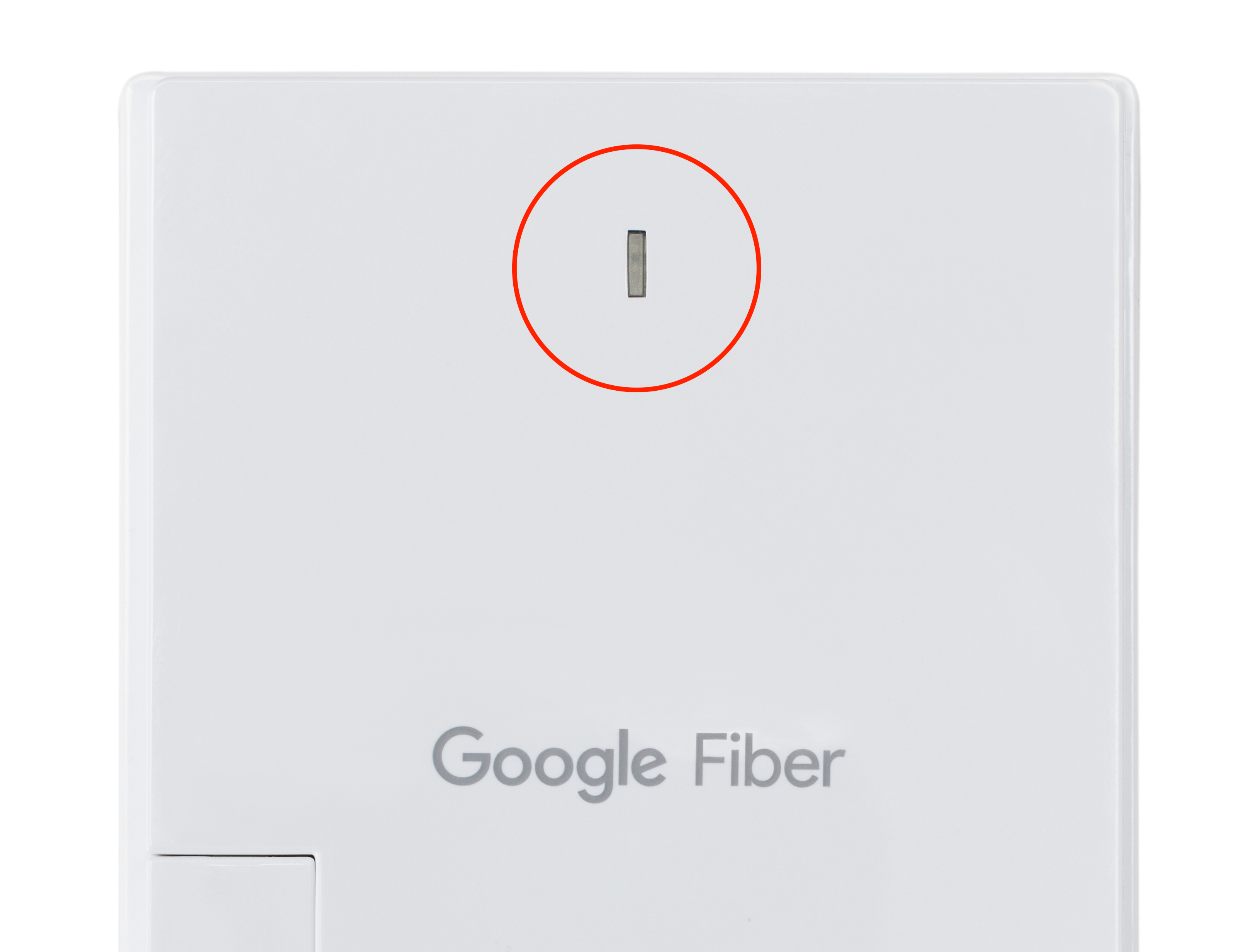
- Four-light models: Four separate lights labeled Power, Optical, Network, and Alarm (green).
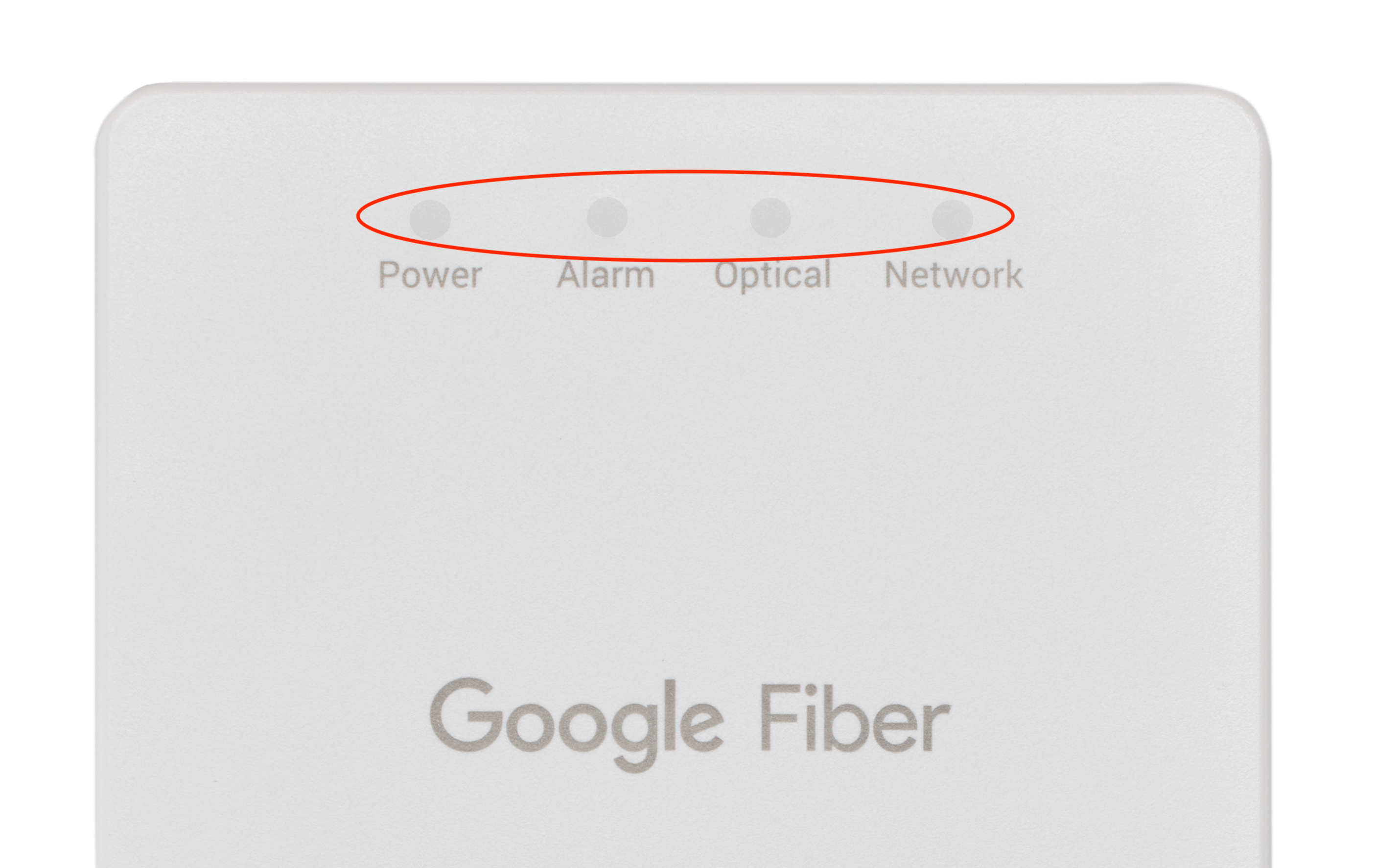
Here’s what each status means:
| Light status | Meaning | What to do |
|---|---|---|
| Solid blue or solid green | Internet is working normally. | Nothing — you’re all set. |
| Blinking blue or blinking green | Starting up or updating software. | Wait a few minutes for it to finish. |
| Solid or blinking red | Service issue or hardware problem. | Follow these steps to fix a red light. |
| No light | No power. | Check that all cables are securely connected. If there’s still no light, try a different outlet or reset your Fiber Jack. |
Connections and Power
The Fiber Jack connects to your router using an Ethernet cable. Depending on your model, it gets power in one of two ways:
- GFLT110 and GFLT300: Can be powered through the Ethernet cable (Power over Ethernet, or PoE), or plugged into an outlet using the included power adapter.
- GFLT100, GFLT132, GOGP220C, GOGP222C, and GOXP330C: Plug into an outlet using the included power adapter.
Safety and Handling
Follow these guidelines to keep your Fiber Jack working properly:
- Keep it dry: Don’t use it near water or clean it with a wet cloth.
- Allow ventilation: Place it on a solid, flat, unobstructed surface. Avoid soft surfaces like carpet, which can block airflow.
- Avoid heat sources: Keep it away from heaters, radiators, and other electronics that generate heat.
- Don’t open it: There are no user-serviceable parts inside. Attempting to open, modify, or repair the device yourself could cause injury or electric shock and will void your warranty.
Technical Specifications and Compliance
- GFiber Property: The Fiber Jack belongs to GFiber. If it's lost or damaged, you may be responsible for the replacement cost. See the Pricing and Fee Schedule for details.
- FCC Compliance: This device complies with Part 15 of the FCC Rules and is designed to provide reasonable protection against harmful interference in a residential installation.
- Recycling: Don’t throw your Fiber Jack in the trash. If it needs to be replaced or returned, contact our support team for return and recycling instructions.
- Limited Warranty: For warranty details, see the GFiber Device Limited Warranty.